 Analysis by Gamescozy
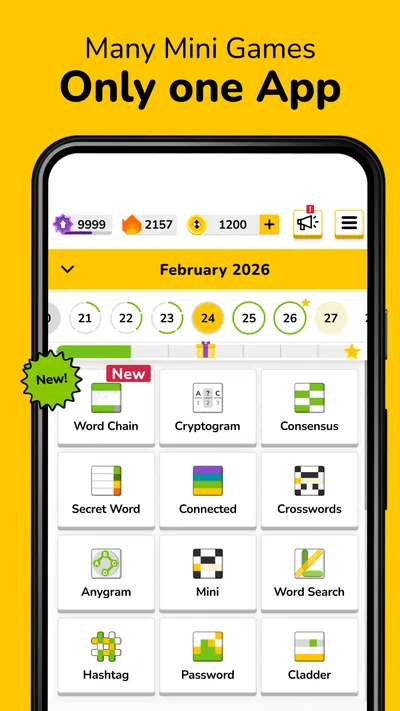
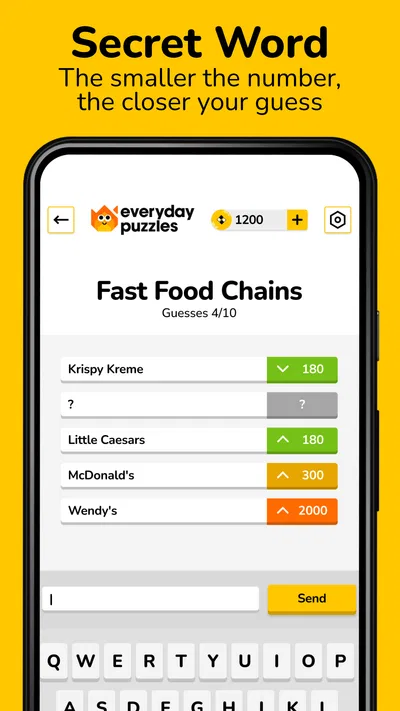
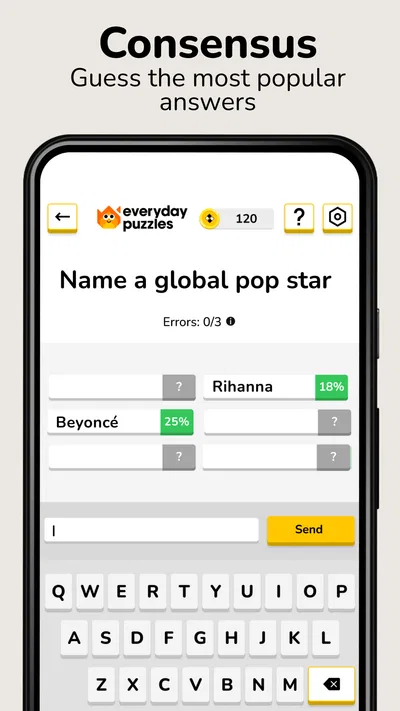
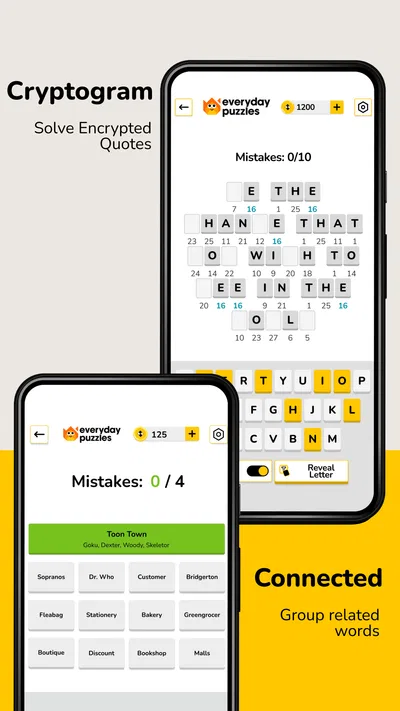
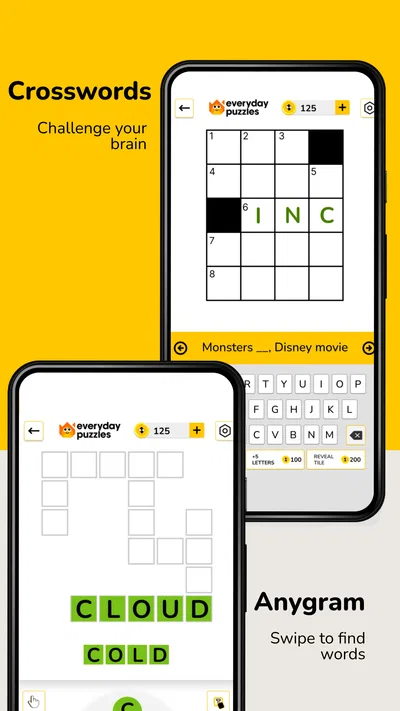
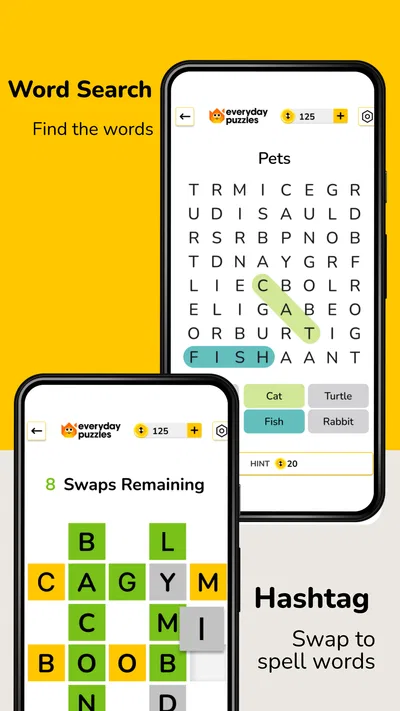
I’m often happy to have a small word puzzle ready when someone else is using the TV, or when a spare few minutes open up between chores. Everyday Puzzles: Mini Games is appealing in that setting because it brings several familiar styles of word play together: Hashtag, crossword, and word search. I see it less as a game that asks for a long, uninterrupted session and more as a shared-device option people can take turns trying, each choosing the kind of puzzle that suits their mood.
Passing one device around without turning it into a project
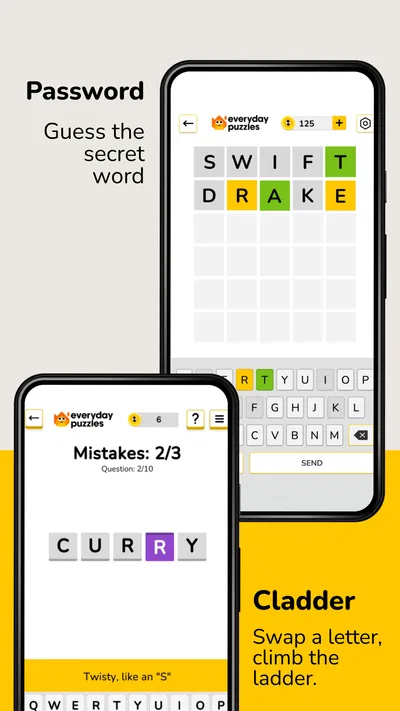
On a household phone or tablet, the simplest way to use a puzzle game is often the most practical: one person opens it, plays for a little while, then hands the device to someone else. The mix of formats gives that routine some variety. Someone who likes hunting for words can choose a word search; a person who prefers filling in answers from clues can move to a crossword; and Hashtag offers another word-based option when neither of those sounds appealing.
That variety matters more than it might seem. With a single-format puzzle app, a shared session can stall when one player dislikes that particular style. Here, switching the kind of activity gives the group another route into the game without needing to find and install a second app. I would use it during a quiet stretch at home, while waiting for dinner, or on a short trip when people are taking turns with one device.
The trade-off is that a collection of mini games is not the same as a built-in group activity. I would not assume the app provides a shared household profile, a family scoreboard, or a way to coordinate turns. The useful shared-device approach is informal: agree who has the device, pick a puzzle, and pass it along. If your household specifically wants a multiplayer contest or a record of everyone’s progress, a game designed around those features would be a better fit.
Picking the right puzzle for the moment
I’d choose the format based on attention and company. Word searches are easy to watch over someone’s shoulder, so they suit a casual turn-taking session. Crosswords can be more conversational: one person reads a clue, another suggests an answer, and the player at the device decides what to enter. Hashtag gives the app another kind of word challenge, which helps when the group wants a change of pace rather than another grid of clues.
A useful household trick is to decide whether a turn is solo or collaborative before handing over the device. If people call out answers while one person plays, the game becomes a shared activity even though the controls remain with one player. If someone wants a quiet solo puzzle, giving them a little uninterrupted time avoids turning every clue into a group debate. This is a simple habit, not a special feature, but it makes the app easier to enjoy together.
For a short break, I’d start with whichever format feels most immediately inviting rather than trying to sample everything in one sitting. That keeps a quick session quick. If the group has more time, rotating formats is a natural way to keep the device moving between people without making anyone finish a particular type of puzzle first.
Shared devices need clear account expectations
Before letting several people use the same device, I would decide whose app-store account is being used for any purchases and whether the device owner is comfortable with others playing under that setup. The game is free to download, but it offers in-app purchases ranging from $0.99 to $49.99 per item. That is worth discussing in a household, especially when children can use the device. I would keep purchase approval with the adult who manages the account rather than treating a free download as a promise that every part of the experience costs nothing.
I also would not treat a shared device as a shared identity. If one person’s app-store account is signed in, other household members should know that purchases or account-level actions may be tied to that account. The safest practical boundary is to hand over the device for play while keeping payment decisions with the account holder. I would not infer that the game itself offers separate child profiles or household controls.
This distinction is useful even when everyone is an adult. One person may be happy to let others try the puzzles but not want them making purchases or changing settings on their device. A quick agreement before passing the phone around prevents an avoidable misunderstanding. If the household needs firm separation between players’ progress or spending, individual devices and accounts—or a game with explicit profile tools—may be more suitable.
Taking turns without assuming progress is shared
For coordination, I’d keep expectations modest. A person can choose a puzzle, play, and then hand over the device, but I would not promise that each player will have a separate saved history or that everyone can resume independently. Without relying on unconfirmed account features, the best method is to let one person finish a turn before the next starts and to say aloud which puzzle they were working on.
That approach is especially helpful when a crossword takes longer than a word search. The next player can either wait or select another format, rather than accidentally interrupting someone who is mid-puzzle. If you want to preserve a particular challenge for later, agree not to switch away from it until the current player is done. These small boundaries make a multi-format app easier to share than a single long-running game where everyone expects to control the same session.
I would also avoid turning casual play into a test of who is best at words. People bring different vocabularies and levels of patience to crosswords, while word searches reward a different kind of attention. Letting each person pick the format they enjoy is more likely to keep the game welcoming. For a group that wants a formal score comparison or a clear winner, a dedicated competitive trivia game will probably serve better than taking turns in a set of word puzzles.
Age context and a sensible trust check
The game is rated Everyone, so its stated age category is broad and suitable for a general audience. I’d still make the usual distinction between content suitability and purchase supervision: an Everyone rating does not mean every child should be allowed to buy in-app items without an adult’s approval. For a family device, I would explain that the puzzles are for play while purchases remain the responsibility of the account holder.
Everyday Puzzles: Mini Games is made by Fanatee, Inc. and is listed as a trivia game. Its average rating is 4.6 from about 95,000 ratings, with around 2,800 written reviews and more than 10 million installs. Those figures suggest that it has reached a substantial audience, but I would treat popularity as context rather than proof that it suits every household. The real decision is whether your family enjoys word puzzles and is comfortable with the way a shared device is managed.
The game was released on January 19, 2022, and its current version is 13.8.0. It requires Android 7.0 or later. That helps Android users check compatibility before installing, while iOS users should check the requirements shown in their own app store. I would avoid assuming that an older shared tablet will run it smoothly just because it can open other games; checking the device’s supported software first is a sensible step.
Where it sits beside other puzzle choices
Compared with a crossword-only app, the main appeal here is having more than one word format in the same place. Compared with a word-search-only game, it offers a different way to use language when scanning a letter grid stops being fun. That makes it a practical choice for someone who likes variety but does not want to switch between separate apps for each style.
On the other hand, someone who is serious about one puzzle type may be better served by a specialist app focused on that format. Dedicated crossword players might want a deeper crossword experience, while people looking for a timed head-to-head challenge should choose something built for direct competition. This game’s strength is range and convenience, not a promise that every mode will satisfy an enthusiast of that mode.
It also differs from general knowledge trivia. Although it belongs to the trivia category, its described activities center on word games rather than a broad quiz night of facts and multiple-choice questions. I would not choose it when the household wants to test knowledge across subjects or compete by answering the same questions. I would choose it when the aim is lighter word play that can be picked up in turns.
My household verdict
I’d recommend Everyday Puzzles: Mini Games to households that enjoy word games, want a few familiar formats in one app, and can share a device with clear expectations. It works especially well for brief breaks, relaxed turn-taking, and conversations where someone can help with a clue without needing the whole group to play at once. The free download makes it easy to try, while the range of in-app purchase prices is a reason to keep spending decisions with the account holder.
I would skip it if you need separate household profiles, built-in family coordination, or a competitive multiplayer experience. I would also look elsewhere if one particular puzzle style is your main interest and you want a specialist game focused on it. For a home that simply wants an accessible set of word challenges to pass around, though, the variety is useful and the informal format is easy to fit into everyday life.
My practical suggestion is to try one format at a time, agree on who is using the device, and keep purchases under adult supervision. With those boundaries in place, the game can be a pleasant shared option rather than another app everyone has to organize. The best reason to keep it around is its mix of word-puzzle styles, not any assumption that it will manage turns or accounts for you.